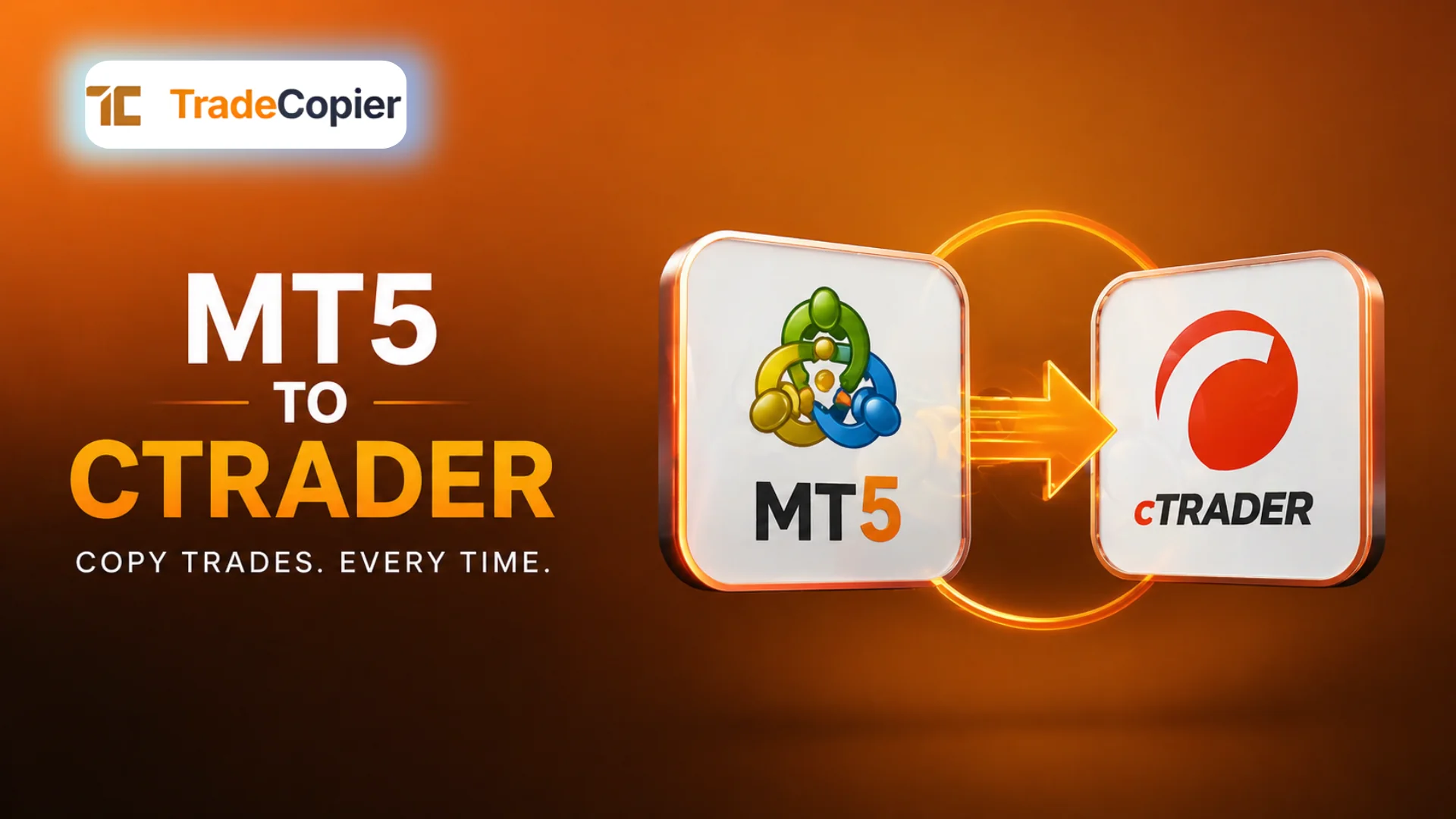
How to Copy Trade from MT5 to cTrader
Understanding Cross-Platform Copy Trading
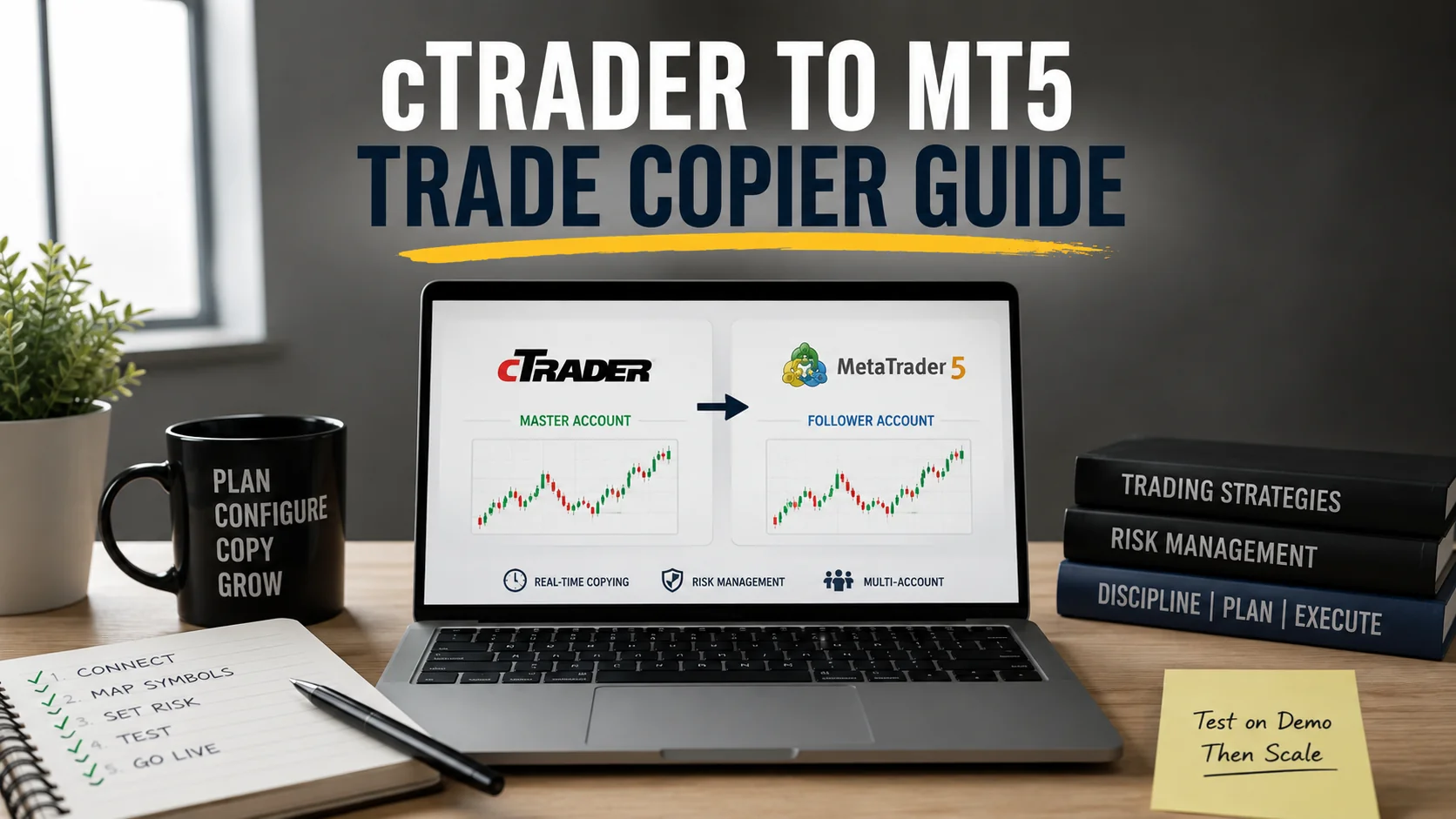
To copy trade from MT5 to cTrader, traders need a system that can bridge two fundamentally different trading environments. MetaTrader 5 and cTrader operate on separate infrastructures, with distinct execution models and APIs. Direct native copying between them is not supported.
This is where a cloud-based trade copier becomes essential. It acts as an intermediary layer that captures trade activity from the MT5 account and replicates it to a cTrader account in real time.
The process is not limited to one direction. The same infrastructure can also support reverse flows such as copy trade from MT4 to MT5 or copy trade from MT5 to MT4, depending on configuration. The key requirement is a centralized system capable of translating trade data across platforms.
For traders and brokers, this enables flexibility in managing accounts across different ecosystems without being restricted by platform limitations.
How the Copying Process Works
The workflow to copy trade from MT5 to cTrader follows a structured sequence. Each step is handled by the copier system to ensure accuracy and speed.
1. Trade Execution on MT5 (Master Account)
A trade is opened, modified, or closed on the MT5 account. This account acts as the signal source.
2. Signal Capture and Transmission
An integration layer—typically an expert advisor or API connector—captures the trade details and sends them to a cloud server.
3. Cloud Processing and Mapping
The cloud engine processes the trade data. This includes:
- Symbol mapping between MT5 and cTrader instruments
- Lot size adjustments based on account settings
- Application of risk filters and execution rules
4. Trade Execution on cTrader (Slave Account)
The processed trade is transmitted to the cTrader account, where it is executed using API-based connectivity.
This process occurs in near real time when supported by low-latency communication protocols. The efficiency of this pipeline determines how closely the copied trade matches the original.
Configuration and Setup Requirements
Setting up cross-platform copying requires more than just connecting two accounts. Proper configuration ensures consistency and risk alignment.
Account Integration
Both MT5 and cTrader accounts must be connected to the copier system. Authentication is typically handled through secure API keys or terminal credentials.
Symbol Mapping
Different brokers may use varying symbol names. Mapping ensures that trades executed on MT5 correspond correctly to instruments on cTrader.
Lot Size and Scaling Rules
Traders can define how trade sizes are replicated. Options include fixed lot copying, proportional scaling, or equity-based allocation.
Execution Filters
Conditions can be applied to control which trades are copied. This includes filtering by symbol, trade size, or strategy type.
Latency Optimization
Using a cloud trade copier from VPS or distributed servers helps maintain low latency. This reduces slippage and improves synchronization between accounts.
Without proper configuration, even a technically sound system can produce inconsistent results.
Risk Management in Cross-Platform Copy Trading
Copy trading introduces an additional layer of risk because trades are executed across different environments. Managing this risk is critical.
Equity Protection
Setting maximum drawdown limits ensures that copying stops when predefined thresholds are reached.
Trade Limits
Restricting the number of simultaneous trades prevents overexposure, especially in volatile conditions.
Slippage Control
While some deviation is unavoidable, tighter execution settings can help minimize differences between master and slave trades.
Monitoring and Logs
Activity logs provide visibility into execution performance. This allows traders to identify delays, mismatches, or errors in the copying process.
These controls are essential when operating across platforms, as execution conditions may vary between MT5 and cTrader environments.
Difference Between MT4, MT5 and cTrader (Operational Context)
While the focus remains on copying trades, it is important to understand that each platform handles execution differently. This impacts how trade data is interpreted and replicated.
MetaTrader platforms rely heavily on terminal-based execution, while cTrader uses a more API-driven approach. This difference is why an intermediary system is required for cross-platform copying.
The same principle applies when setting up flows like copy trade from MT4 to MT5 or copy trade from MT5 to MT4. The copier must standardize trade data before execution.
Rather than comparing platforms, the key takeaway is that interoperability depends on how effectively the copier translates and executes trade instructions across environments.
To implement seamless cross-platform copy trading with controlled execution, use the free 7-day free trial from here.
Quick answers
Frequently Asked Questions
Find answers to the most common questions about this topic.
Can you directly copy trade from MT5 to cTrader?
No, direct copying is not supported. A cloud-based trade copier is required to bridge the two platforms.
How fast is cross-platform copy trading?
Execution speed depends on the infrastructure. Low-latency systems using cloud servers can replicate trades in near real time.
Is it possible to copy trade from MT5 to MT4 or vice versa?
Yes, with the same copier infrastructure, trades can be replicated between MT4 and MT5 accounts.
What is the biggest challenge in cross-platform copying?
Symbol mapping and execution differences between platforms are the primary challenges.
How can risk be managed in copy trading?
Using equity protection, lot scaling, and execution filters helps maintain control over copied trades.