MT5 Trade Copier EA Auto Setup Guide
Introduction
In the fast-paced world of forex trading, efficiency is paramount for intermediate traders seeking to maximize opportunities without constant monitoring. The MT5 trade copier emerges as a powerful tool, enabling seamless replication of trades from a master account to one or multiple slave accounts using an Expert Advisor (EA). This automation not only saves time but also ensures consistency in strategy execution, reducing the risks associated with manual interventions. For those familiar with MetaTrader 5 (MT5), integrating an EA copy trade MT5 setup can transform trading operations, allowing users to mirror successful strategies across platforms effortlessly.
Why does this matter? Intermediate traders often juggle multiple accounts or signals, and discrepancies in trade timing or sizing can lead to suboptimal results. A reliable MT5 trade copier addresses these challenges by providing precise, real-time copying, which is essential in volatile markets where seconds count. According to industry reports, automated tools like forex copiers have boosted trader productivity by up to 40%, as they eliminate emotional biases and human errors. This guide focuses on the practical setup of an MT5 trade copier using EA, tailored for users with basic MT5 knowledge.
This comprehensive MT5 trade copier setup guide will cover the fundamentals of trade copiers, a detailed step-by-step installation and configuration process, and tips for optimization and troubleshooting. By the end, readers will gain the insights needed to implement an EA copy trade MT5 system effectively, enhancing their trading workflow. Whether managing personal portfolios or signal services, mastering this tool can lead to more disciplined and profitable trading outcomes.
Understanding MT5 Trade Copiers and Their Role in Forex Trading
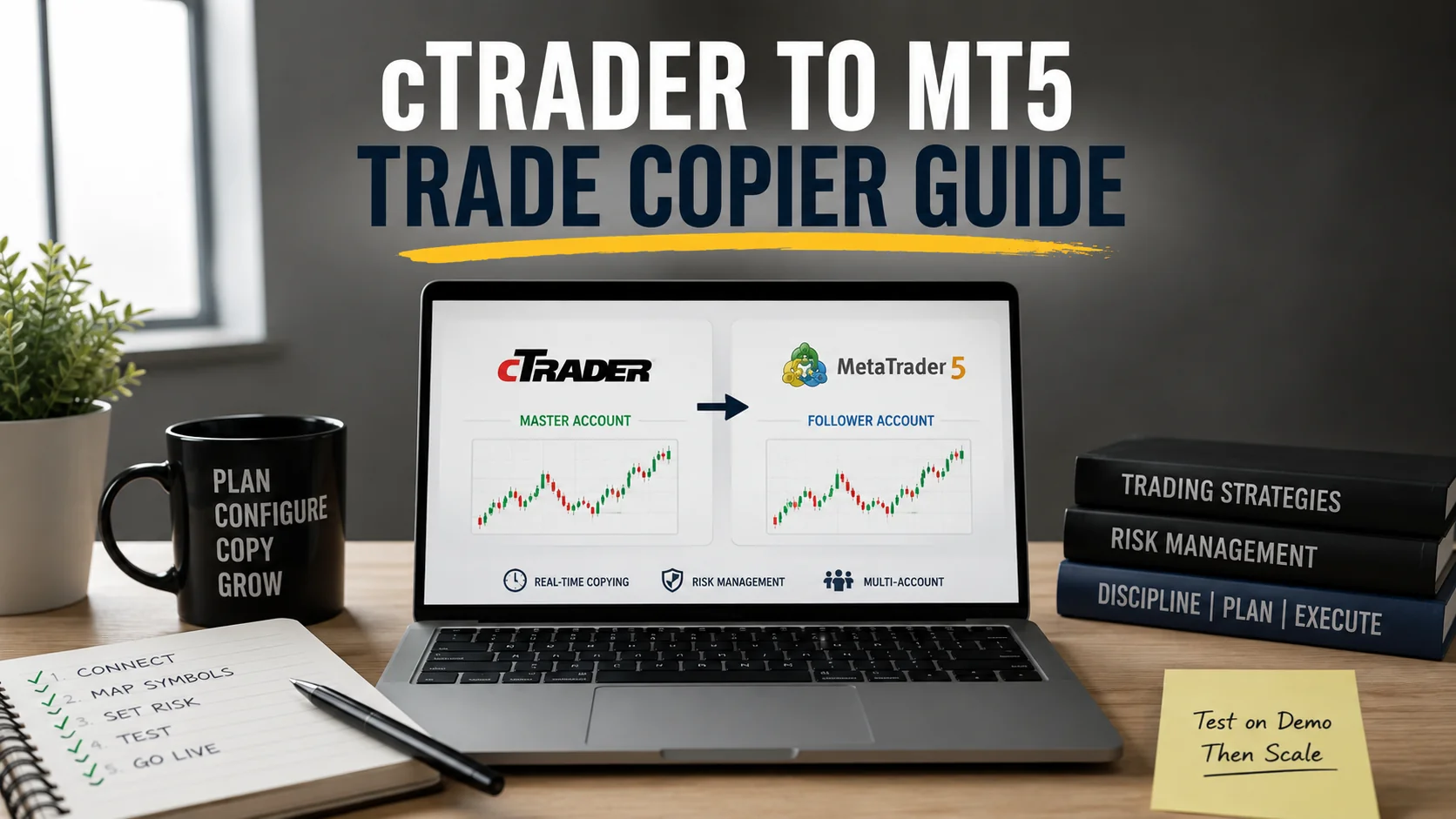
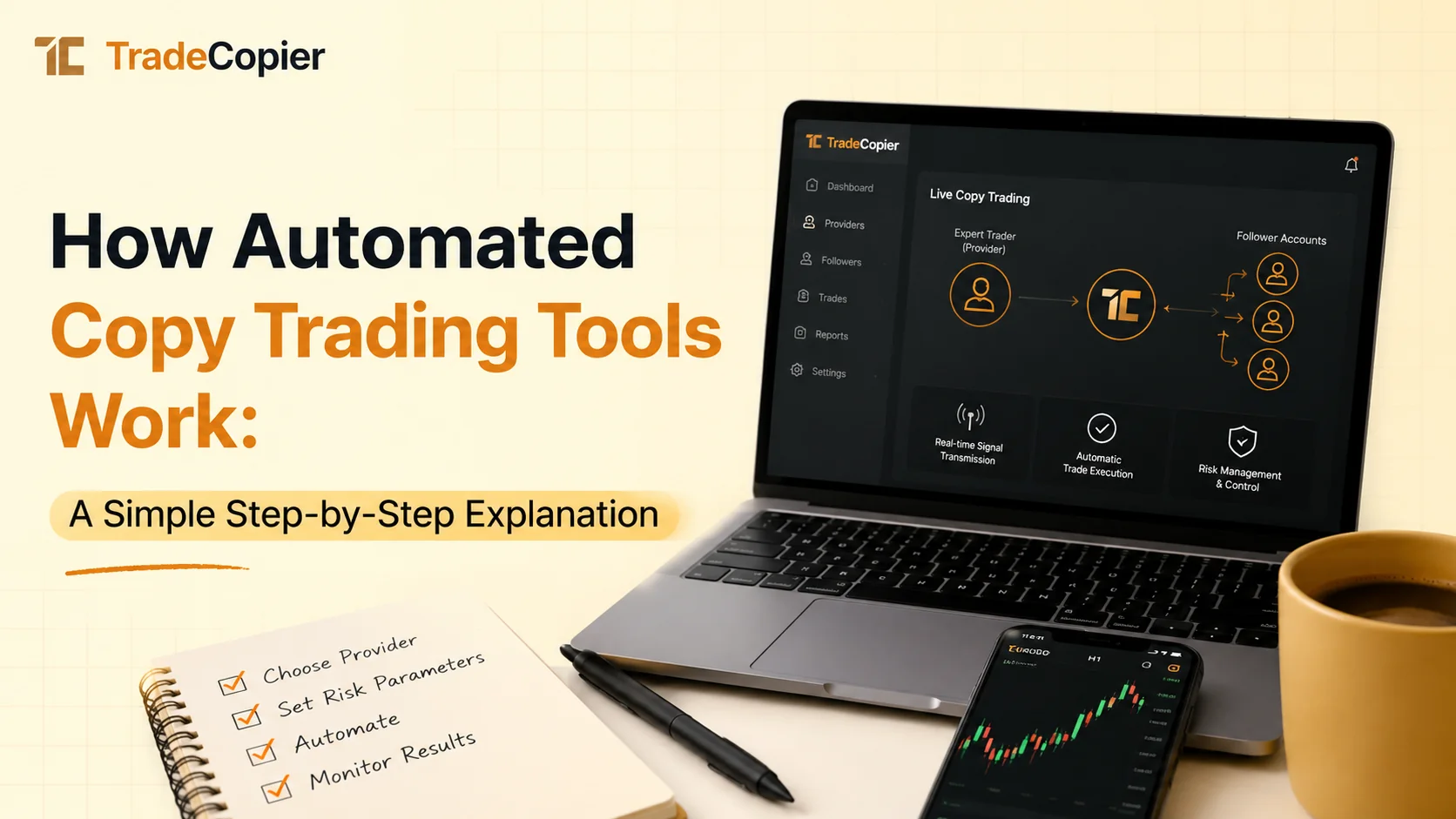
The MT5 trade copier is a specialized software or EA designed to duplicate trades from a source account—known as the master—to destination accounts, called slaves, within the MetaTrader 5 platform. This functionality is crucial for forex copiers, which automate the process of sharing trading signals across brokers or devices. Intermediate traders benefit from this setup as it allows them to follow expert strategies without needing to execute trades manually, ensuring uniformity in position sizes, entry/exit points, and risk management parameters.
At its core, an EA copy trade MT5 operates by monitoring the master account's activities and replicating them in real-time. For instance, if the master places a buy order on EUR/USD with a 1% risk per trade, the slave accounts will mirror this proportionally, adjusted for account balances. This precision is vital in forex trading, where market conditions can shift rapidly. Expert insights from trading communities highlight that effective trade copiers can reduce slippage by 20-30% compared to manual copying, thanks to their algorithmic speed.
Key components include the master terminal, which sources the trades, and slave terminals that receive and execute them. Users must select a compatible MT5 trade copier EA, such as those supporting multi-broker environments. Real-world applications extend to hedge funds or signal providers distributing strategies to subscribers. To get started, traders should evaluate options based on features like lot size scaling and latency handling. For recommendations on the best forex trade copier tools, explore detailed comparisons here.
- Master Account: Generates signals from manual or automated strategies.
- Slave Account: Receives and executes copied trades automatically.
- EA Configuration: Customizes parameters like maximum spread and trade filters.
Understanding these elements ensures traders avoid common pitfalls, such as mismatched broker conditions, leading to smoother integration into daily routines.
Step-by-Step Guide to Setting Up an MT5 Trade Copier with EA
Setting up an MT5 trade copier begins with selecting a reputable EA from trusted sources, ensuring compatibility with your broker's MT5 platform. Download the EA file, typically in .ex5 format, and place it in the Experts folder of your MT5 data directory via File > Open Data Folder. Restart the platform to load the EA, then attach it to a new chart on the master account by dragging it from the Navigator panel. Configure initial settings, such as enabling trade copying and specifying slave account IDs, to establish the connection.
Next, prepare the slave accounts by installing the same or a complementary EA on each destination terminal. Input the master's unique identifier—often a license key or IP address—for secure linkage. Test the setup in a demo environment first; for example, place a sample trade on the master, like a 0.1 lot sell on GBP/USD, and verify it replicates accurately on the slave within seconds. Adjust parameters for risk equivalence, such as equity-based lot sizing, to match account sizes—e.g., scaling 1:2 for a smaller slave balance.
Advanced configurations include setting filters for trade types (e.g., only copy pending orders) and time zones to align with market hours. Intermediate traders should monitor the EA's log for errors, ensuring VPS usage for 24/7 operation minimizes latency. In practice, this setup has enabled traders to copy signals from Asia to European sessions seamlessly, maintaining strategy integrity. Bulletproof the process by documenting settings and running periodic backtests.
- Install MT5 on master and slave devices.
- Load and activate the trade copier EA.
- Sync accounts via unique identifiers.
- Test with demo trades and refine parameters.
- Go live with real funds after validation.
This methodical approach guarantees a robust EA copy trade MT5 deployment, minimizing setup errors and maximizing reliability.
Optimizing and Troubleshooting Your MT5 Trade Copier Setup
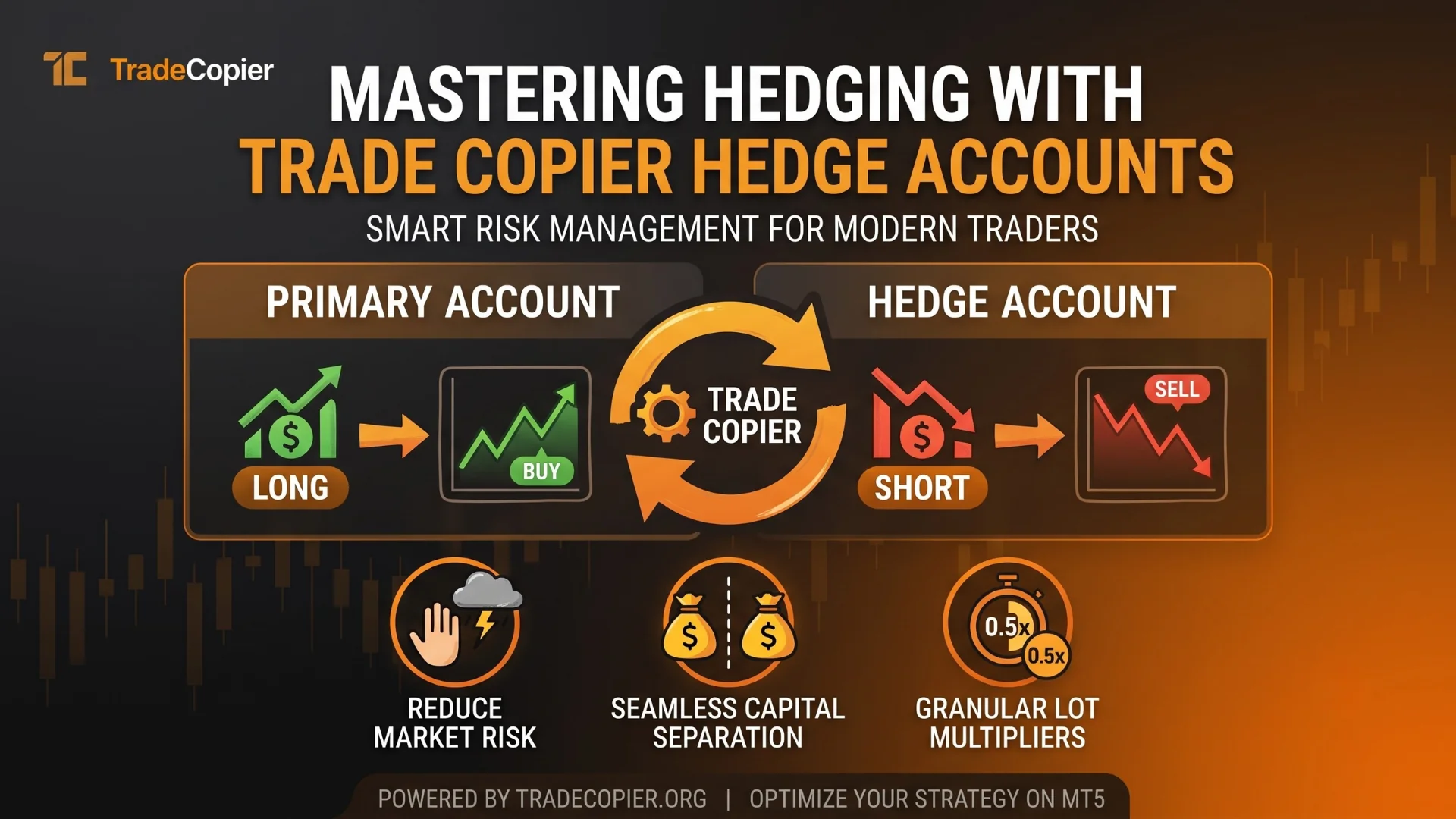
Once the MT5 trade copier is operational, optimization focuses on fine-tuning the EA to adapt to varying market conditions and broker specifics. Monitor key metrics like execution delay and success rate through the EA's built-in dashboard; aim for under 1-second latency to capture optimal entries. Adjust lot multipliers dynamically—for a $10,000 master and $5,000 slave, use a 0.5 factor to preserve risk ratios. Incorporate stop-loss and take-profit scaling to handle volatility, as seen in high-impact news events where unoptimized copiers might amplify losses.
Troubleshooting common issues starts with connectivity problems; if trades fail to copy, check firewall settings or VPN stability, as MT5 requires uninterrupted internet. Broker-side discrepancies, such as differing spreads, can cause rejections—resolve by selecting low-spread providers or adding spread filters in the EA. For instance, during the 2022 market turbulence, traders using forex copiers reported 15% fewer failed executions after enabling retry mechanisms. Regularly update the EA to patch vulnerabilities and improve performance.
Practical advice includes diversifying slave accounts across multiple brokers to mitigate downtime risks. Use journaling features to log discrepancies, aiding in post-analysis. Expert traders emphasize periodic reviews, such as weekly audits, to ensure the trade copier aligns with evolving strategies. By addressing these aspects, intermediate users can sustain long-term efficiency in their EA copy trade MT5 systems.
- Latency Optimization: Employ VPS for consistent uptime.
- Error Handling: Set alerts for failed copies.
- Performance Review: Analyze copy ratios monthly.
These steps transform a basic setup into a high-performing tool, enhancing overall trading outcomes.
Conclusion
Mastering the MT5 trade copier setup with EA empowers intermediate traders to automate trade replication efficiently, ensuring consistency across accounts while minimizing manual efforts. Key takeaways include selecting compatible tools for seamless integration, following a rigorous step-by-step process for installation and testing, and prioritizing optimization to handle real-world challenges like latency and broker variances. This approach not only boosts productivity but also supports disciplined forex trading practices.
Ready to elevate your trading? Explore advanced trade copier solutions today and start copying trades automatically for greater market edge.