Copy Trading Software Case Study:
What Breaks First When You Scale From 3 to 300 Accounts in TradeCopier.org
Scaling a copy trading setup is not simply a matter of connecting more follower accounts. Moving from three accounts to 300 changes the operational profile of the entire workflow. Connection management, order routing, symbol mapping, sizing, monitoring, exchange schedules and exception handling all become more important.
This copy trading software case study examines the main trade copier scaling pressure points and how a cloud-based architecture such as TradeCopier.org approaches them.
From 3 Accounts to 300: Where Operational Scaling Changes
With three connected accounts, a trader can often identify a missed order or connection issue manually. At 300 accounts, that approach becomes impractical.
The first bottleneck is usually operational visibility. A scalable copy trading infrastructure needs a structured way to distinguish between a successfully copied order, a skipped order, a connection problem and a destination-side execution issue.
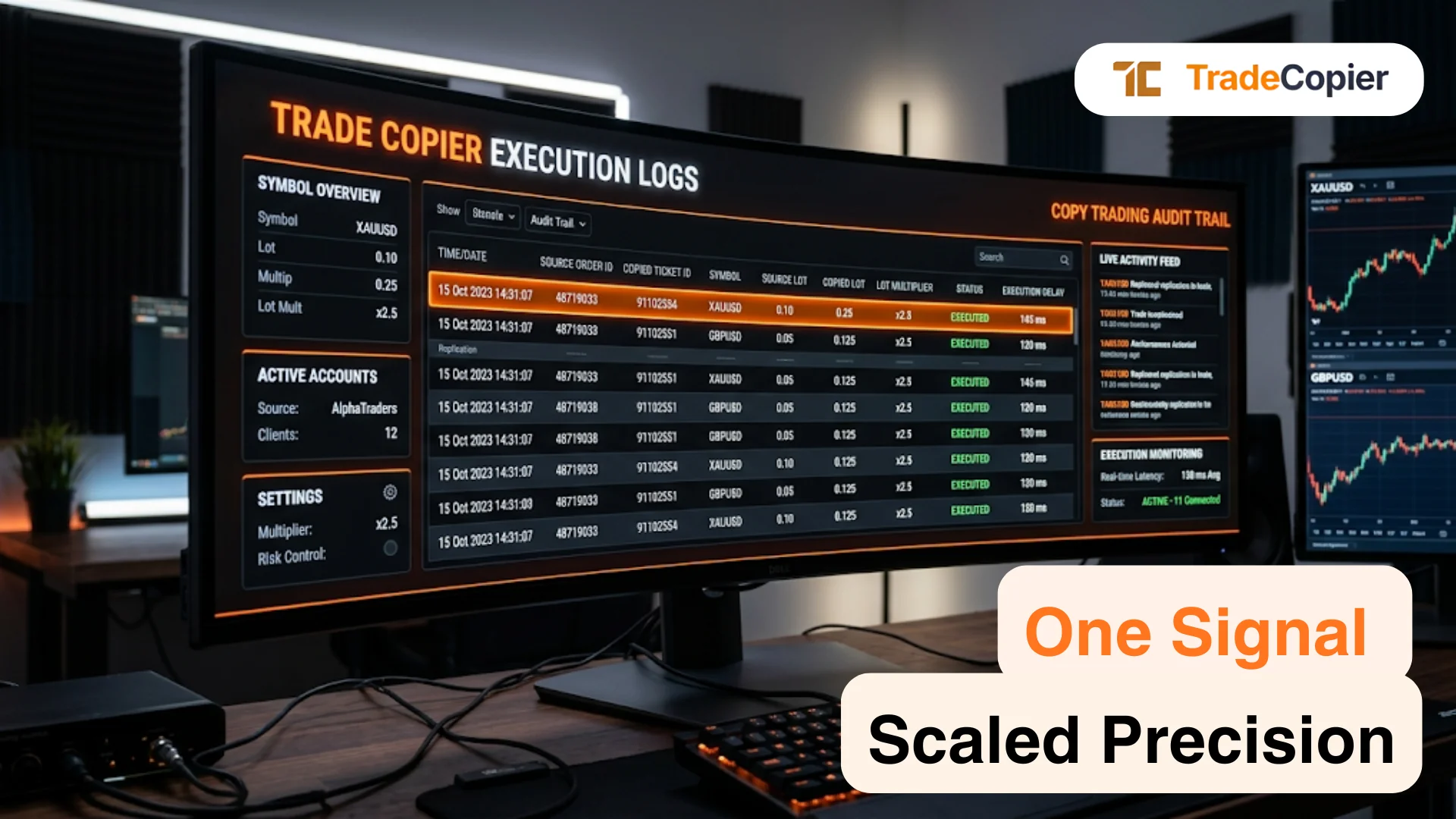
TradeCopier routes supported trades from a source account to connected followers through its cloud infrastructure. Its workflow includes configurable sizing, symbol mapping, risk controls and activity monitoring. (TradeCopier)
The second bottleneck is configuration consistency. Followers may use different brokers, symbols, platforms or account structures. A rule that works for three accounts cannot simply be assumed to work identically across hundreds.
Regular Versus Extended Sessions
Futures introduce another layer of operational complexity because trading hours depend on the specific contract and exchange schedule.
For example, many CME Globex products operate across the week with a daily maintenance period, while individual products can have different trading and settlement schedules. CME's published schedules should therefore be treated as product-specific rather than as one universal futures timetable. (CME Group)
| Schedule consideration | Example: CME Globex equity-index environment | Operational implication |
|---|---|---|
| Regular session | Product-specific RTH window | Higher liquidity and concentrated activity |
| Extended/electronic session | Globex trading outside RTH | Orders may still be active outside the main session |
| Daily maintenance | Many products have a scheduled break | Copying logic must account for unavailable trading windows |
| Sunday reopening | Weekly reopening occurs according to the product schedule | Pending or new copied orders require session awareness |
| Timezone | Exchange schedules are commonly published in ET or CT | DST changes can shift the corresponding local time |
The exact hours should always be checked against the relevant exchange and contract specification before configuring production copying.
Daily Maintenance Break and Sunday Reopening
A scheduled maintenance break is not necessarily an infrastructure failure. It can be a normal exchange operating condition.
For example, CME documentation lists product-specific trading windows and maintenance periods, while some newer 24/7 futures products have different maintenance windows. (CME Group)
For a trade copier, this distinction matters. A source trade generated immediately before a market pause may reach followers differently depending on whether the destination market is still accepting orders.
At 300 accounts, these edge cases become an operational scaling concern rather than an isolated manual issue.
How to Check Official Holiday Exceptions
Holiday schedules require the same discipline. CME states that its holiday trading schedules can change and that final holiday hours are generally confirmed closer to the relevant date. (CME Group)
A scalable workflow should therefore verify:
The exact exchange and product.
Regular versus extended trading hours.
Daily maintenance windows.
Sunday reopening time.
Early closes and holiday closures.
Daylight-saving-time effects.
Contract-specific exceptions.
This information should come from the exchange or trading venue rather than from a generic futures-hours chart.
What Scheduled Pauses Mean for Copied Orders
A scheduled pause can create a difference between the source event and the follower's executable state. An order may be accepted before a pause, rejected during an unavailable window, or require handling when the market reopens.
That is why reliability in copy trading software is broader than routing speed. At scale, it also means maintaining visibility into skipped orders, connection states, destination execution and market availability.
TradeCopier provides cloud-based routing, account monitoring, symbol mapping and configurable risk controls for supported workflows. Exact broker, platform, instrument and account compatibility should be tested before live deployment. (TradeCopier)
Scaling from 3 to 300 accounts therefore exposes a simple principle: the bottleneck is rarely just the number of followers. It is the ability of the entire copy trading infrastructure to manage configuration differences, market schedules, exceptions and execution events consistently.
Start your copy trading journey at tradecopier.org.