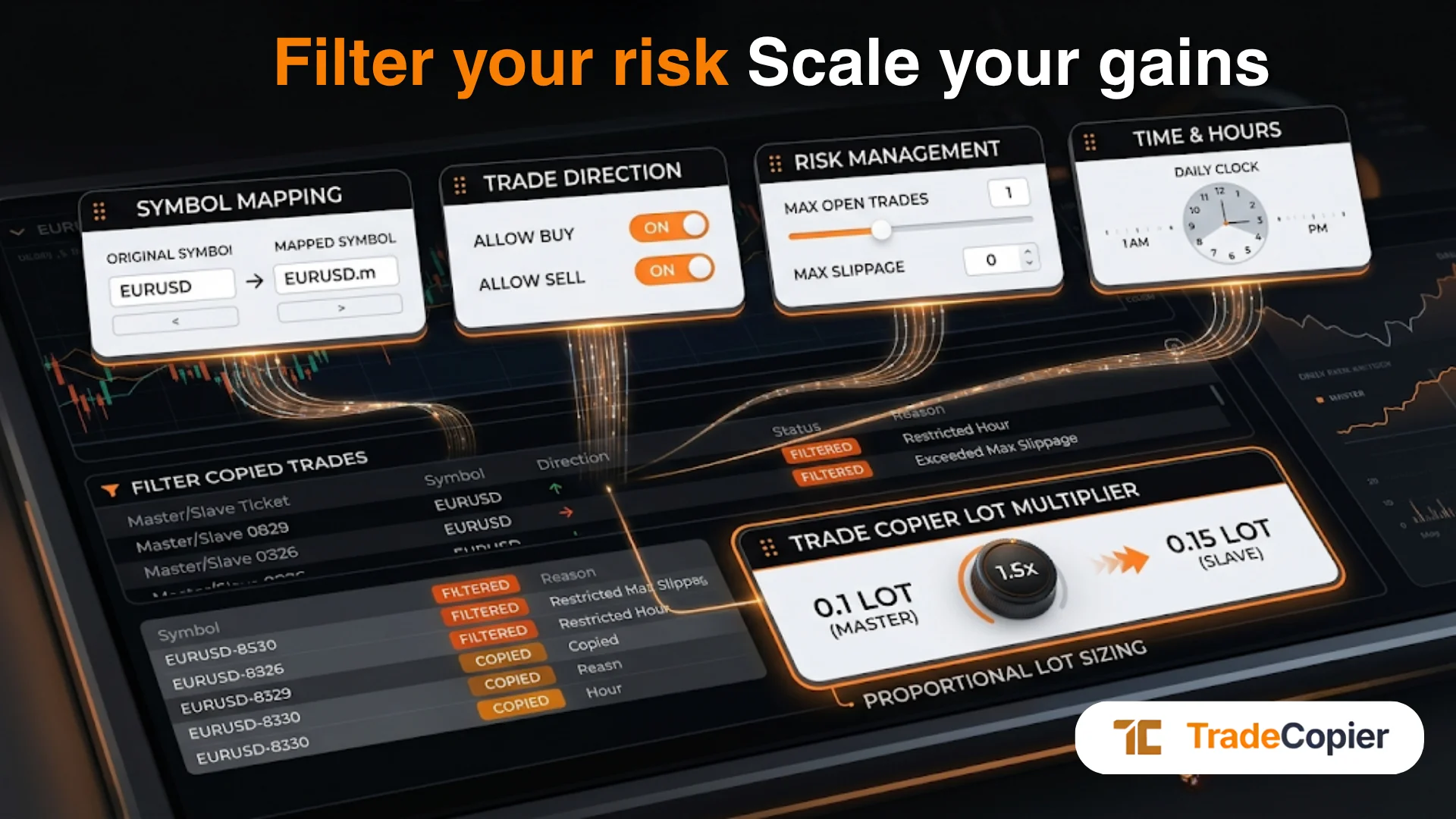
Trade Copier Trade Filters:
Test Allow, Block and Direction Rules
Trade copier trade filters are rules for deciding which source events a follower account should receive. A useful policy names the exact follower, symbol, side and action it intends to include or exclude. A vague instruction such as “copy EURUSD buys only” is incomplete until you decide what happens to EURUSD on a block list, a broker suffix, a close of an existing position and a reversed signal.
Publisher disclosure: TradeCopier publishes this guide about its own product. Its public configuration page, checked September 23, 2026 (UTC), describes symbol allow and block lists, magic-number and comment filters, lot-size ranges, pending-order controls and follower-specific settings. It does not publish a complete rule-evaluation specification or demonstrate a buy-only/sell-only control for every connector. The examples below are test cases, not measured TradeCopier outcomes. Confirm the controls exposed for your exact source-to-follower route before relying on them.
Separate a symbol rule from a symbol mapping
An allow list is intended to admit selected instruments; a block list is intended to exclude selected instruments. A mapping instead identifies which destination instrument corresponds to a source name. For example, a source may call a market GOLD while the follower broker lists XAUUSD.raw. The symbol-mapping overview explains this naming problem and the possibility of manual overrides. It does not say whether the copier evaluates an allow or block list before or after mapping. Never assume that a list entry for GOLD automatically matches XAUUSD.raw.
Keep a separate rule record for each follower. A filter that is suitable for one broker account does not prove that a second account has the same instruments, position mode or order permissions. Check the saved rule in the active account configuration rather than inferring it from another follower's dashboard.
Write down the conflict before testing it
The matrix is a fictional checklist. Its “intended policy” column describes what an operator might want; it is not a statement of TradeCopier's current evaluation order. Use a permitted demo or other controlled test for the actual route, then fill in the observed copier event and follower-broker state.
| Rule setup | Source event | Policy question | Observation needed |
|---|---|---|---|
| Allow {EURUSD}; block list empty | New EURUSD buy | Is the intended instrument eligible? | Confirm list syntax, saved state, match key and whether a destination request was sent. |
| Allow {EURUSD}; block {EURUSD} | New EURUSD buy | Which rule wins when both name the same instrument? | Record the route's actual precedence or rejection. Public documentation does not settle it. |
| Allow list empty; block {XAUUSD} | New EURUSD buy | Does an empty allow list mean “all”, “none” or an inactive filter? | Test an allowed-looking symbol and a blocked symbol; do not guess the empty-list default. |
| Allow {GOLD}; block {XAUUSD.raw} | Source GOLD maps to follower XAUUSD.raw | Are rules evaluated against source or mapped names, and at what stage? | Preserve both names, selected mapping and rule match in the event record. |
| Proposed buy-only setting | New source sell | Is a direction setting available and does it exclude this new entry? | Check the exact connector's settings, copier decision and destination order state. |
| Proposed buy-only setting | Sell action that would reduce an existing long | Does the setting apply to exits as well as entries? | Compare the before/after follower position. Do not strand a position on an assumed rule. |
| Proposed buy-only plus reverse copy | Source sell that would become follower buy | Is direction assessed before or after reversal? | Verify supported controls, evaluation stage and final follower side separately. |
A table row can end as “not supported”, “no event received”, “filtered”, “request sent”, “broker rejected”, “partly filled” or “position changed”. These are distinct states. An event marked sent does not establish execution: the MetaTrader 5 order-send reference separates accepted requests from resulting trade transactions. Other platform connectors also need their own destination-state check.
Buy-only and sell-only rules need an action definition
A buy or sell label alone does not reveal whether an order opens exposure or reduces existing exposure. On an MT5 netting account, an opposite-side deal can decrease, close or reverse a position; on a hedging account, the lifecycle differs. MetaQuotes documents these order, deal and position distinctions. This is a reason to test the copier's actual action handling, not evidence of a particular TradeCopier rule order.
For a proposed buy-only policy, record at least three separate cases: a fresh buy entry, a fresh sell entry, and a sell instruction associated with reducing or closing an already copied long. If pending orders, stop-loss or take-profit changes, partial closes, reversals or reconnect events matter, test those actions too. The public configuration description does not establish whether a direction filter affects new entries, all instructions, or position management. Treat the answer as route-specific and unknown until the product setting and a controlled result are documented.
Use a blank record, then compare copier and broker state
Before the test, write down what the policy is supposed to do. Afterward, record what actually happened. Repeat on each follower and platform route that will be used. Do not include passwords, API tokens or account secrets in the record.
| Field | Your entry |
|---|---|
| UTC date/time and test owner | ________ |
| Source and follower platform, connector version, broker/server, account mode | ________ |
| Saved follower rules: allow list, block list, direction setting, magic/comment/size and reverse copy | ________ |
| Source event ID, action, side, symbol and quantity | ________ |
| Mapped destination symbol and instrument specification checked | ________ |
| Follower positions and pending orders before the event | ________ |
| Expected include/exclude and lifecycle result, recorded before test | ________ |
| Copier decision, timestamp, request ID or error | ________ |
| Broker response, order/deal IDs, filled and remaining quantity | ________ |
| Follower positions and pending orders after the event; discrepancy and owner | ________ |
Review exceptions before using a rule live
Where the result is uncertain, stop treating the policy as validated. Save the before/after broker record, resolve the event with the current connector documentation or support, and retest the complete lifecycle before using live capital. Keep the previous saved rule available so an operator can identify exactly what changed if the next event behaves differently. A filter can reduce unwanted copied instructions when correctly configured; it does not guarantee a fill, a lower drawdown, prop-firm compliance or a profitable result.
Quick answers
Frequently Asked Questions
Find answers to the most common questions about this topic.
What are trade copier trade filters?
They are rules for deciding which source events a follower account should receive. TradeCopier publicly describes symbol, magic-number, comment, lot-range and pending-order controls, with follower-specific settings. Verify availability and behavior for your exact connection.
If a symbol is on both the allow and block lists, which wins?
The public configuration page does not specify allow-versus-block precedence. Record the saved lists and test the exact connector and follower in a controlled environment before relying on either outcome.
Does an empty symbol allow list copy every instrument?
The published product description does not specify whether an empty list means all symbols, no symbols or an inactive filter. Check the current dashboard and test both an intended eligible and ineligible instrument.
Are symbol filters checked before or after broker-symbol mapping?
That timing is not established by the public documentation. Record the source name, mapped follower name and list entries, then inspect the copier decision and destination request for the exact route.
Does TradeCopier support buy-only and sell-only filters for every connection?
The existing article names direction filtering, but the public configuration page reviewed September 23, 2026 does not demonstrate a buy-only/sell-only control or its availability on every connector. Confirm the actual setting and behavior for your route.
Can a buy-only filter block closing an existing long position?
The public documentation does not establish whether direction filtering applies only to new entries or also to reductions and closes. Test the entry and close separately, and compare the follower broker position before and after.









